






HomeHow It WorksFAQJoin the Waitlist
How It Works

Simple by design.
Powerful by default.

Spread sits between you and your landlord. You choose how you pay each month. We make sure your landlord gets the full amount on the 1st, every time.

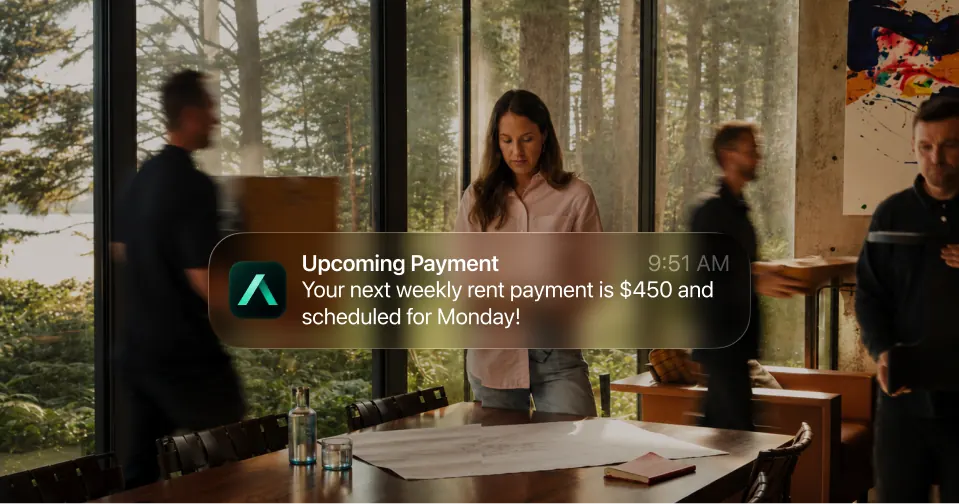
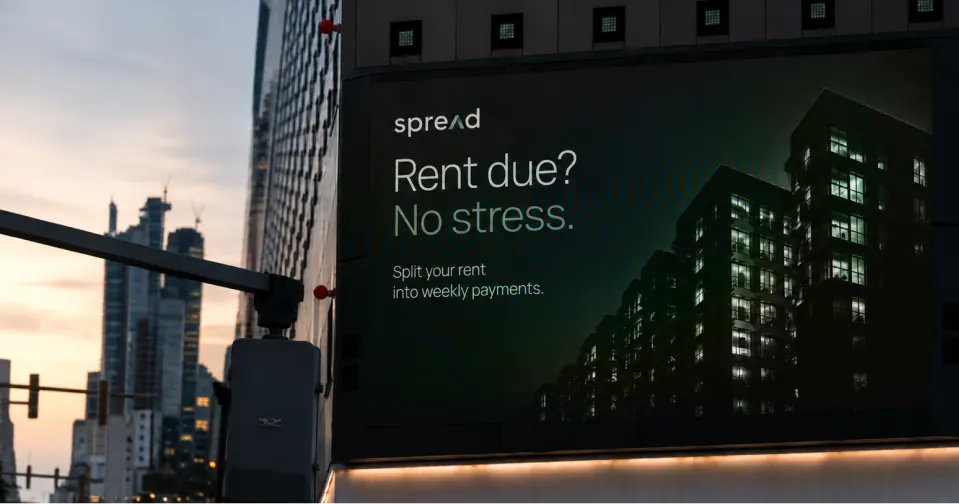
Spread ad in a lobby showing an upcoming rent payment notification.Upcoming rent payment notification over a rental planning table.Renter reviewing Spread statement history on a phone.Large city billboard reading Rent due? No stress.Spread ad in a lobby showing an upcoming rent payment notification.Upcoming rent payment notification over a rental planning table.Renter reviewing Spread statement history on a phone.Large city billboard reading Rent due? No stress.
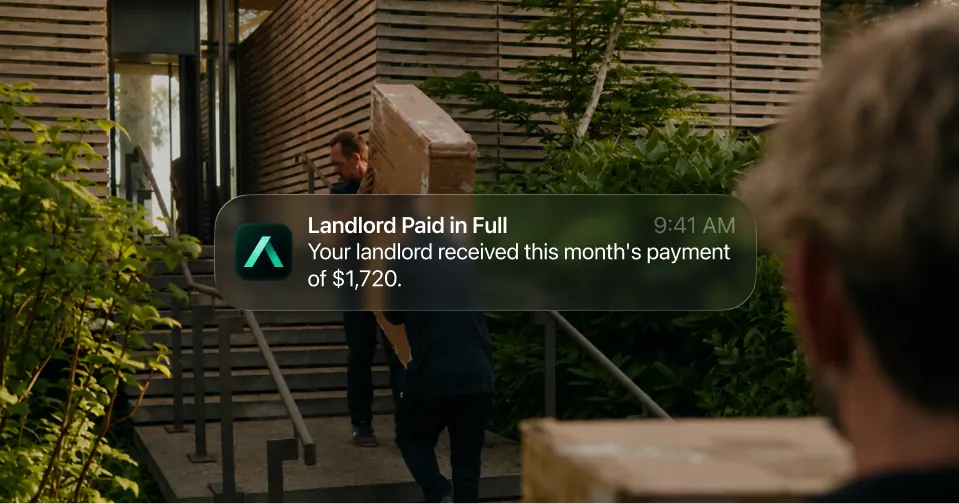
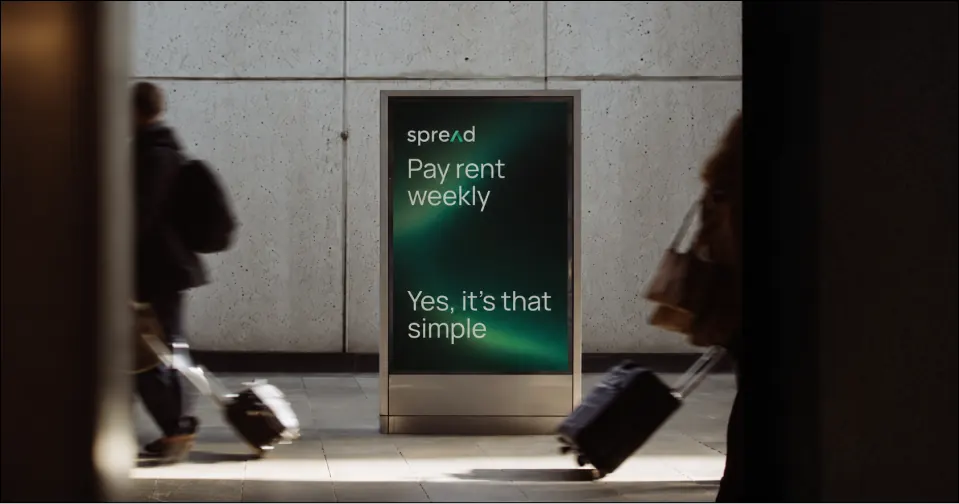
Digital display in a lobby advertising weekly rent payments.Landlord paid in full notification over a moving scene.Phone with a Spread balance screen on a green desk beside coffee.Transit ad reading Pay rent weekly.Digital display in a lobby advertising weekly rent payments.Landlord paid in full notification over a moving scene.Phone with a Spread balance screen on a green desk beside coffee.Transit ad reading Pay rent weekly.
The Process

The process, step by step.

Close-up of the Spread app icon on a green phone home screen.
01

Connect your rental

Sign up and add your rental details: your address, landlord information, and monthly rent amount. Spread handles the rest.

Takes about 5 minutes. No landlord action required to get started.

02

Choose your payment option

Each month, select how you want to pay. Pay by credit card to earn rewards, or apply to split your rent over time if you need more flexibility.

You choose one option per rent cycle. Options cannot be combined.

03

We pay your landlord on the 1st

Spread transfers the full rent amount to your landlord on the 1st of the month, regardless of which payment option you choose.

Your landlord is always paid in full, on time. No exceptions.

04

You pay on your schedule, and build credit

If you paid by card, your credit card statement handles the rest. If you split rent, you pay Spread according to your agreed schedule. Either way, every on-time payment is reported to Canadian credit bureaus.

Manage everything from your Spread dashboard.

Payment Options

Two ways to pay.

Available

Pay by credit card

Use your existing credit card to pay rent. Earn points, cashback, or travel rewards on your largest monthly expense without changing anything for your landlord.

  • Earn rewards on every rent payment
  • No impact on how your landlord gets paid
  • Works with any major credit card
  • Available every month, no approval needed
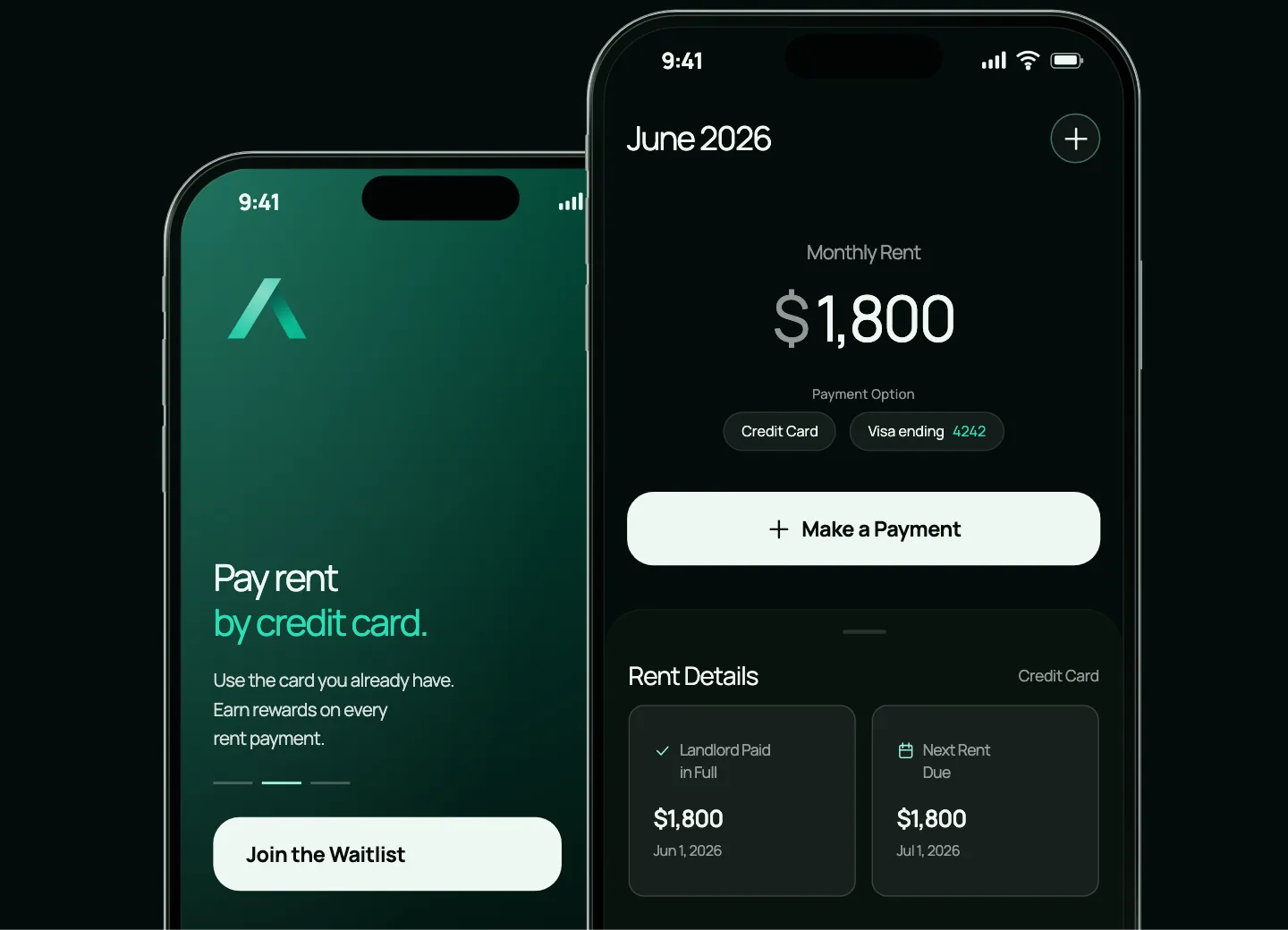
Spread mobile app showing an upfront payment and current balance.
Quick Eligibility Check

Split rent over time

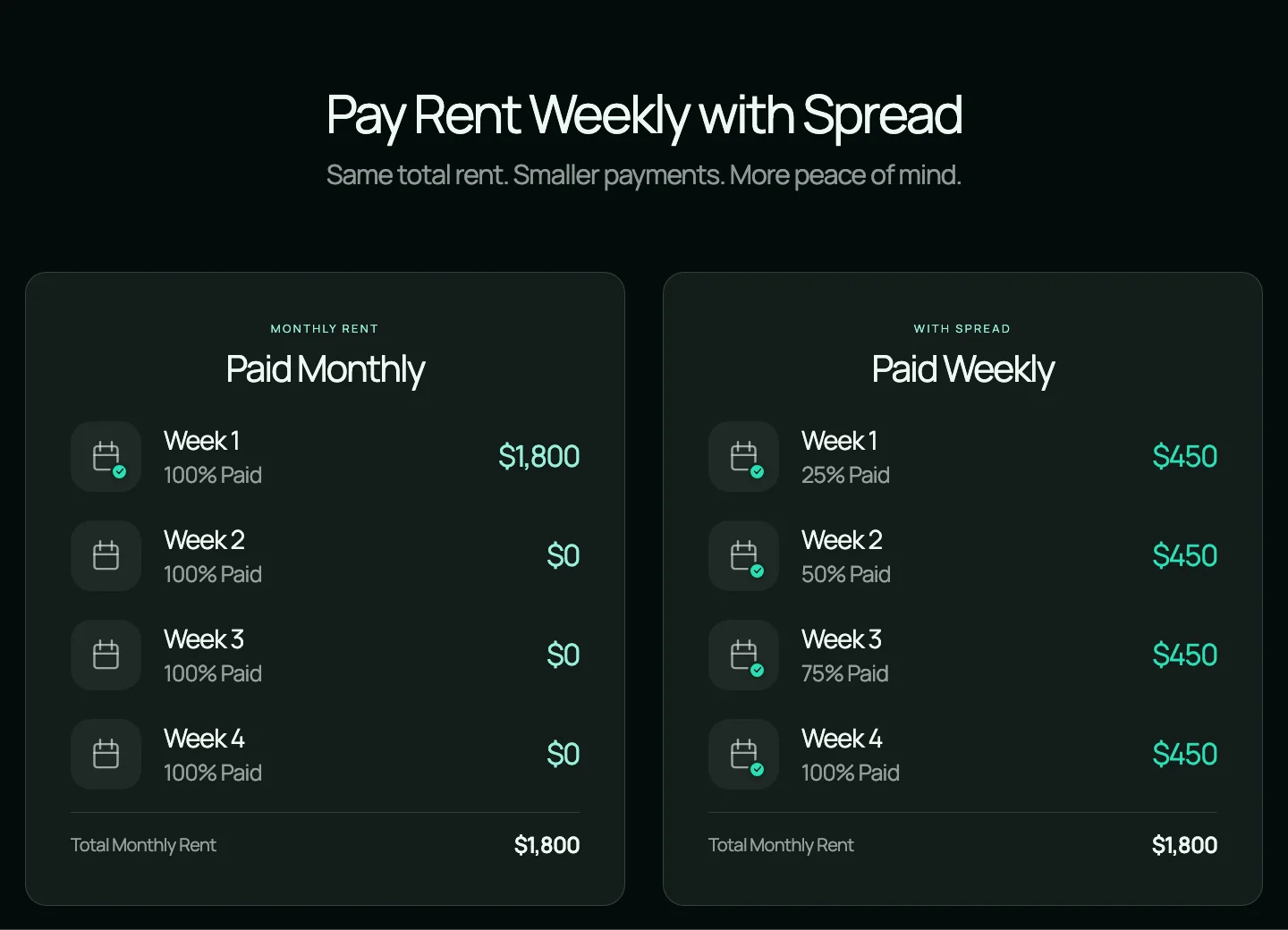
Spread your rent payments over the course of the month instead of paying all at once, giving you more control over monthly cash flow without changing anything for your landlord.

  • Pay rent in smaller amounts over the month
  • Landlord still receives full rent on the 1st
  • Quick eligibility check to get started
  • Managed through your Spread dashboard
A brief eligibility check is required to unlock split payments. Most renters qualify in minutes.
Spread transaction history showing August rent split into weekly payments.
Your Dashboard

Everything in one place.

Your Spread dashboard gives you a clear view of your rent payments, upcoming due dates, and payment history, so you always know where you stand.

  • Track upcoming and past payments
  • Manage your payment option each month
  • Update your payment method anytime
  • See your credit reporting history
  • Confirm your landlord has been paid
Spread DashboardJune 2026
Early Access

Be the first to get access.

Spread is launching in Canadian cities. Join the waitlist and we will let you know when it is available in your area.

No spam. No commitments. Just early access.

Still have questions?

Check the FAQ for answers about eligibility, approval, payment options, and more.